How to Verify Your Email
This article provides a detailed guide on how to complete email verification after account registration. Upon successful verification, you will receive a no-threshold new user coupon.
Why Do You Need to Verify Your Email?
Email verification is an important part of account security, which can:
- Protect Account Security: Ensure you can reset your password via email and receive important notifications
- Get Coupons: After successful first-time email verification, the system will automatically give you a no-threshold new user coupon
- Receive Information Timely: Order information, activation code details, software updates, promotional activities and other important messages will be sent to your email
Email Verification Steps
Step 1: Complete Account Registration
After completing registration on the registration page, the system will automatically send a verification email to your email address.
If you haven't received the email after a few minutes, please check your spam or promotions folder.
Step 2: Open Your Email to View the Verification Email
Log in to your email and find the verification email from Hengyue Software. The email subject is usually "Verify Your Email Address".
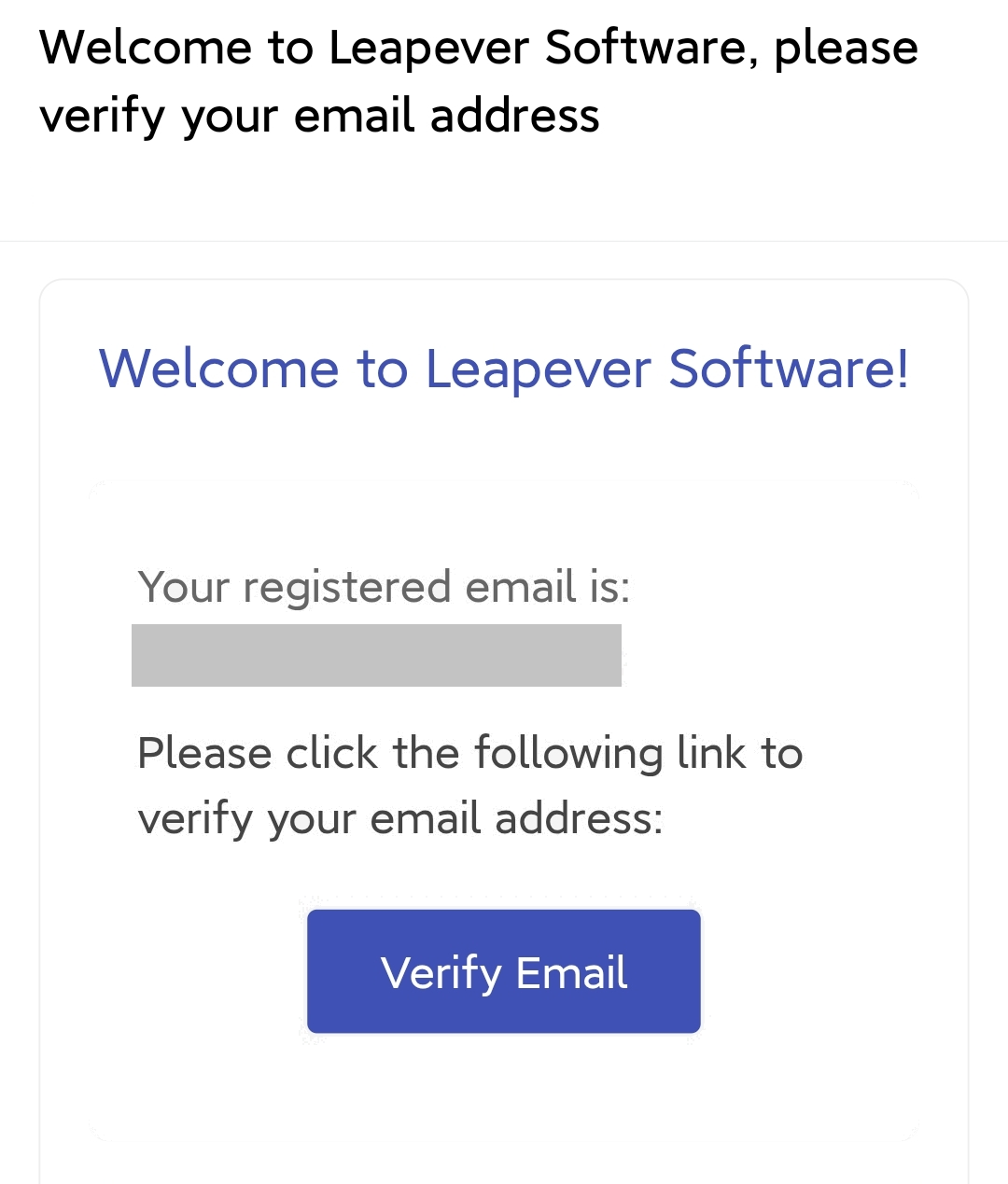
Step 3: Click the Verification Link
After opening the email, click the "Verify Email" link or button in the email. This will open the verification page in your browser.
Verification links usually have an expiration time (typically 24 hours), so please complete verification as soon as possible.
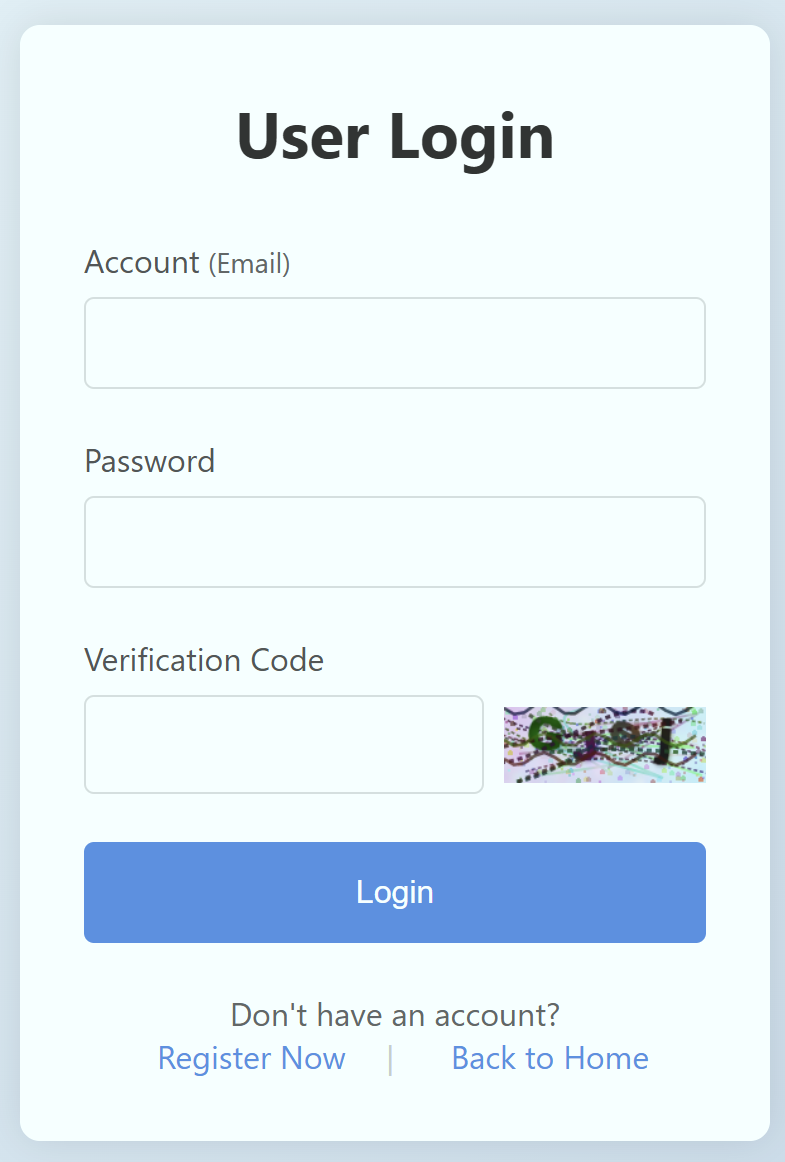
Step 4: Log in to Complete Verification
On the opened verification page, log in with the account and password you just registered.
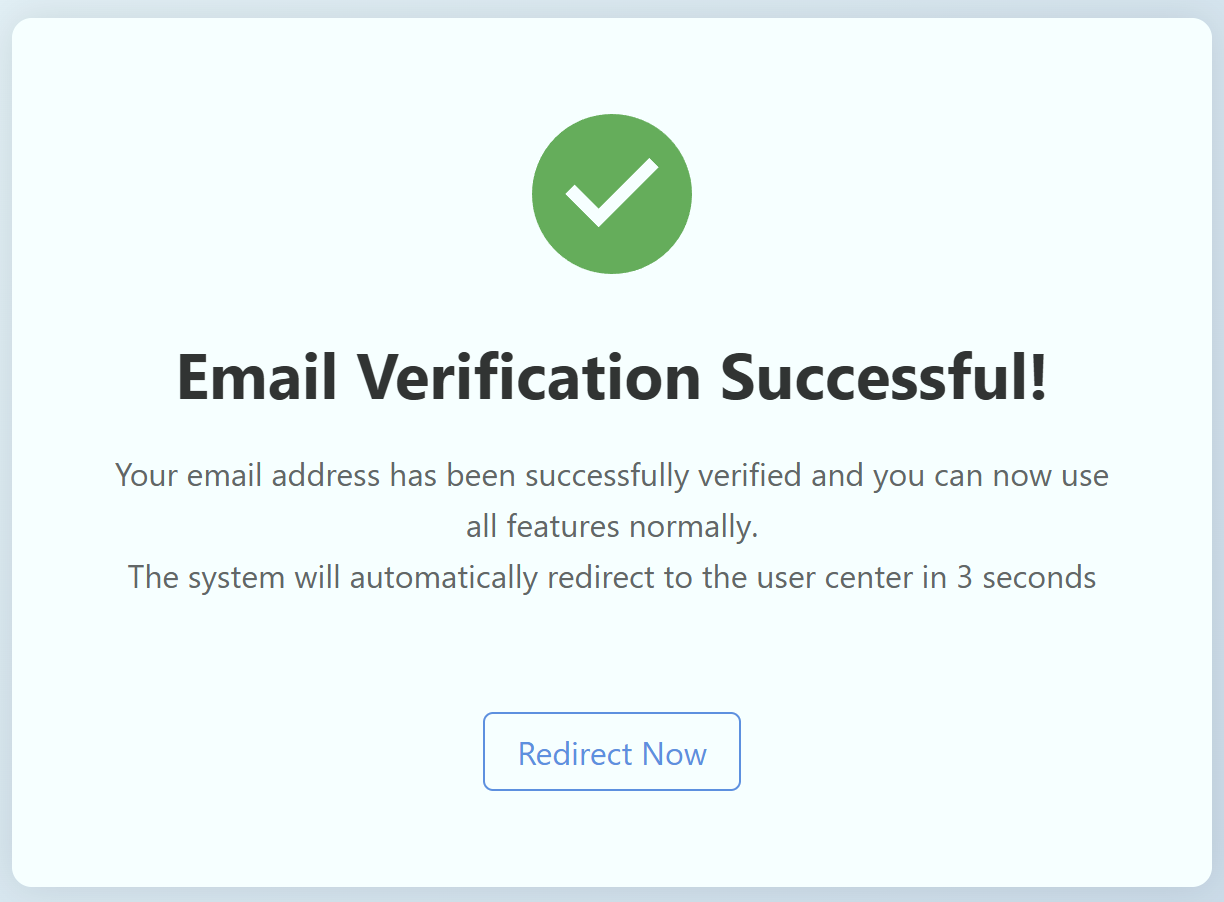
Step 5: Verification Success and Get Coupon
After successful login, the system will automatically complete email verification and notify you that your email has been successfully verified. At the same time, a no-threshold new user coupon will be automatically issued to your account.
View and Use Coupons
After successful verification, you can view the coupons you received on the "My Coupons" page in your personal center. For how to use coupons, please refer to: How to Get and Use Coupons
Frequently Asked Questions
What if I Didn't Receive the Verification Email?
- Check Spam Folder: The verification email may have been mistakenly marked as spam by your email provider
- Check Email Address: Confirm that the email address you entered during registration is correct
- Resend Verification Email: In your personal center after logging in, you can click "Resend Verification Email"
- Contact Customer Service: If none of the above methods work, please contact customer service for assistance
What if the Verification Link Has Expired?
If the verification link has expired, please log in to your account, find the "Resend Verification Email" button in your personal center, and the system will send a new verification email to your mailbox.
Can I Change the Verification Email?
If you need to change your verification email, please contact customer service for assistance before your account is verified. If your email has already been verified, you need to perform the email change operation in your personal center.